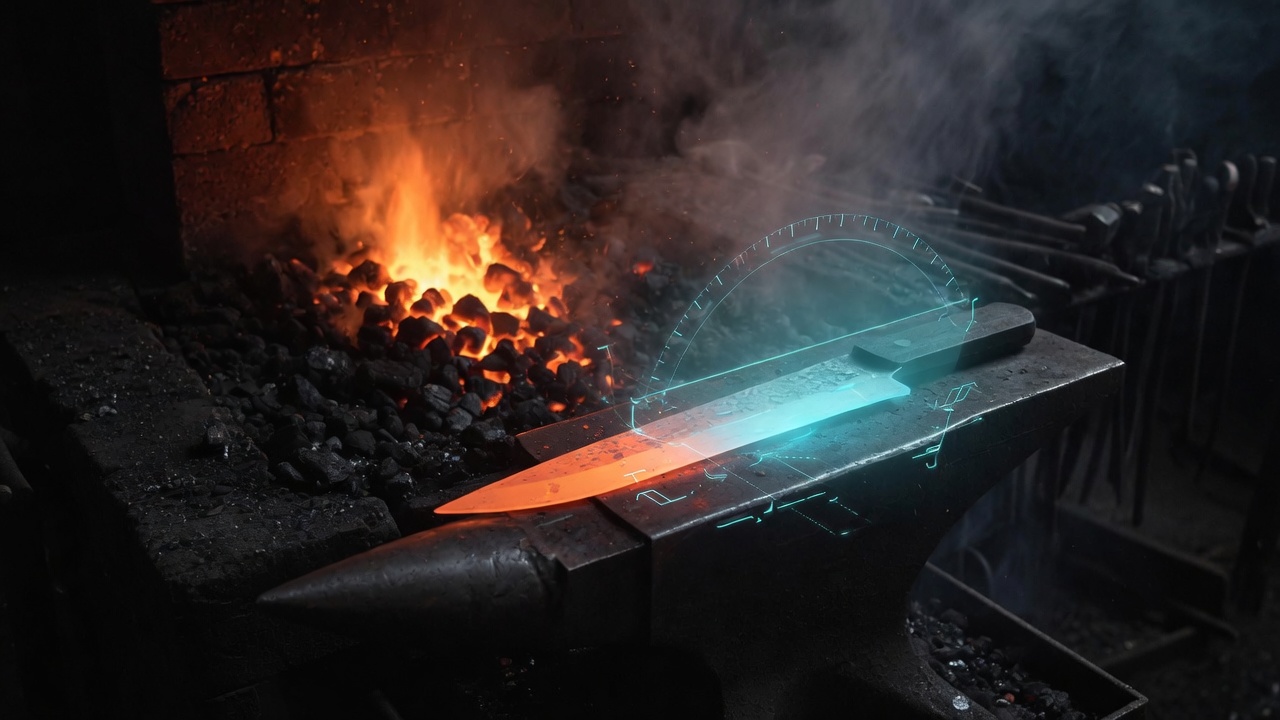
EdgeSage pairs a deep knife-steel comparator with a real-time AR sharpening
coach. Compare any two steels, get the exact grit ladder and angle for the
one you're holding, then follow a live bevel overlay stroke by stroke.
iPhone · iOS 17+ · Steel database and AR coach work fully offline
Two tools, one loop
Steel Sage and the AR Coach, built to feed each other
Steel Sage is a searchable database of knife steels with side-by-side
comparison charts across edge retention, toughness, corrosion resistance,
wear resistance, and ease of sharpening. The AR Coach is a real-time
overlay that shows the target bevel angle for the steel and system
you're using, with haptic and voice feedback as you work. Every session
you log feeds back into the database everyone sees.
Compare any two steels
Search the database and pull up side-by-side radar and bar charts across five performance axes, composition breakdowns, and plain-language pros and cons.
The Steel Wizard
Answer four questions about how you actually use a knife. Get a ranked shortlist, each with a one-tap path straight to its sharpening recipe.
AR Sharpening Coach
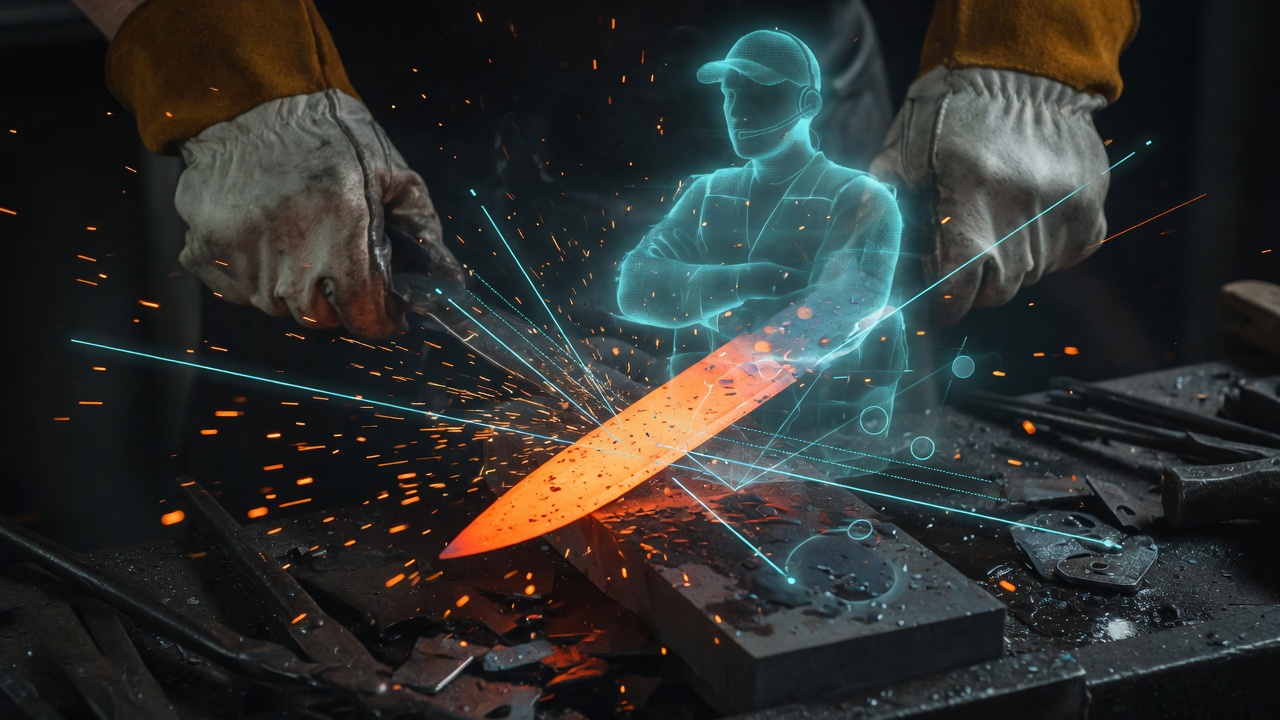
Point your phone at the stone. A live overlay marks your target angle and tracks your actual angle as you work, with haptic and voice correction when you drift.
Every system, one coach
Freehand stones, Wicked Edge, KME, Lansky, Work Sharp, and strops — pick your setup and the coach adjusts its guidance to match.
My Knives
A library for the knives you own, with full sharpening history, a sharpness trend line, and maintenance reminders when it's time again.
Ask Grok
Chat about steels in plain language, or point the camera at an unmarked blade for a steel guess. Both run through a server-side proxy — no key ever ships in the app.
The loop
Compare. Recipe. Sharpen. Log.
This is the whole idea in one path: any steel in the database is one tap from a loaded AR session, and every session you log makes the next person's recipe a little more accurate.
Step 1
Compare
Find your steel or run the Wizard. See how it stacks up on edge retention, toughness, and the rest.
Step 2
Get the recipe
Steel Sage hands off the grit ladder and target angle straight to the coach — no manual lookup.
Step 3
Sharpen with AR
A live overlay holds you at the target angle. Haptic and voice feedback tell you when you've drifted.
Step 4
Log & share
Rate how the steel held up. It's anonymous, optional, and it's what keeps the whole database current.
The community flywheel
Real edges, logged by real use
The Steel Leaderboard is built from anonymous session reports, not lab
numbers alone. Submit one after a sharpening session and you're looking
at how a steel is actually performing for people using it — never
gated behind Pro.
How your data works
Local by default, synced when you choose to
The steel database and the AR coach need no account and no network —
they work fully offline from first launch. Your knives and sharpening
history live on your device. Signing in adds sync across devices and
lets you submit to the community leaderboard.
No account needed to browse the database, use the comparator, run the Wizard, or sharpen with the AR coach.
Local-first storage. Your knives and session history live on your device; an account only adds cross-device sync.
Anonymous leaderboard. Submissions are a steel and a rating, not your identity.
Grok stays server-side. Chat and photo-ID requests go through a proxy — no API key ships inside the app.
No ad network. Pro just hides the optional affiliate cards — it isn't a different privacy tier.
Delete anytime. Remove a knife, delete your account, or delete the app — your local data goes with it.